> ## Documentation Index
> Fetch the complete documentation index at: https://docs.galtea.ai/llms.txt
> Use this file to discover all available pages before exploring further.
# Registration
> Create your Galtea account and sign in
## Create Your Account
Sign up at [platform.galtea.ai](https://platform.galtea.ai/) — registration is open and takes less than a minute.
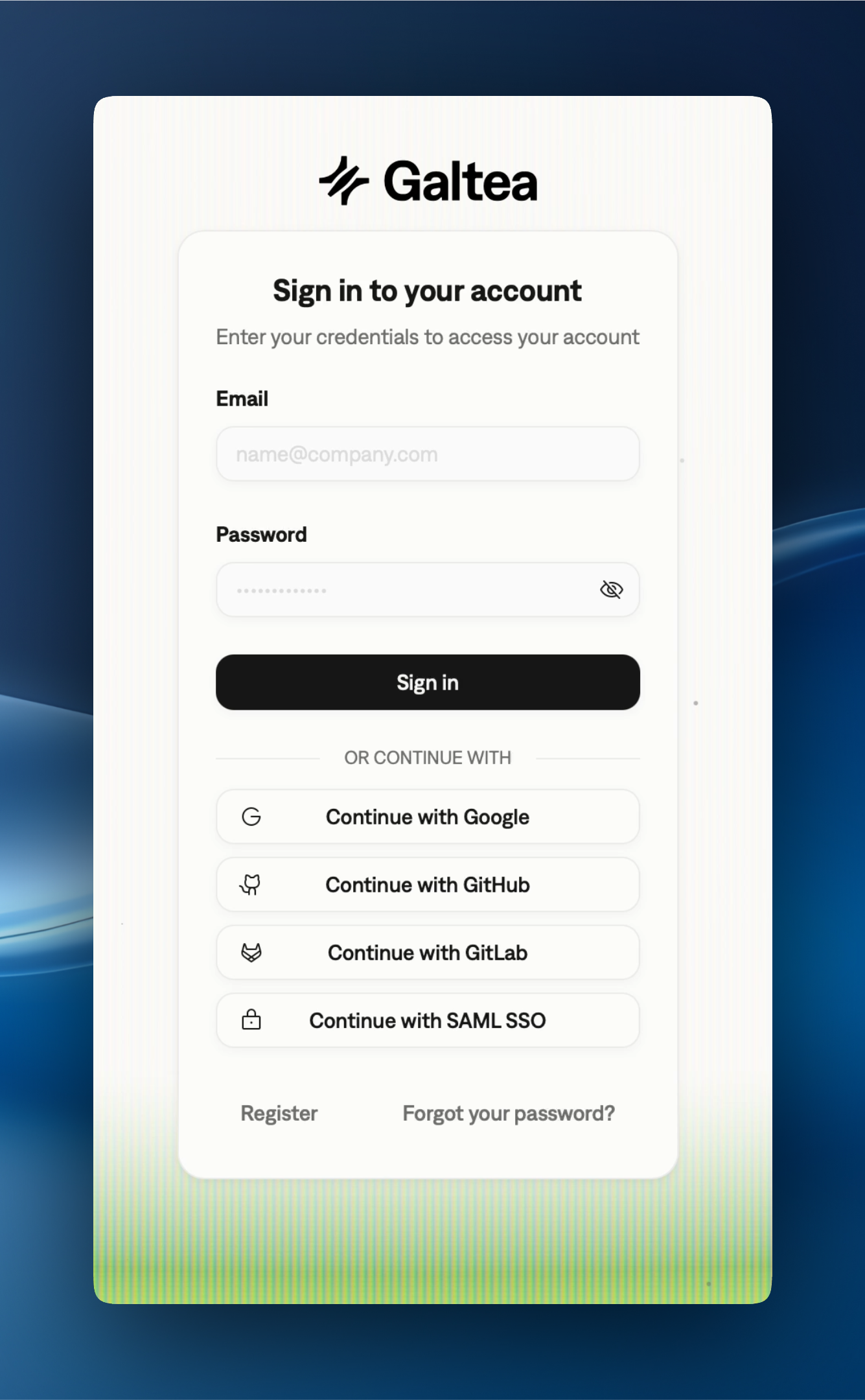 ## Sign-In Methods
Create an account with your email address and a password.
Sign in with your Google account.
Sign in with your GitHub account.
Sign in with your GitLab account.
Sign in through your organization's identity provider. See the [SAML SSO guide](/security/saml-sso) to configure it.
## Two-Factor Authentication
If you enable email two-factor authentication from **Settings → Security**, every email/password sign-in is followed by a one-time 6-digit code sent to your inbox. Enter the code on the prompt that appears immediately after sign-in to complete the session. SAML SSO and OAuth (Google, GitHub, GitLab) sign-ins are not subject to this prompt — your identity provider is treated as the second factor. API keys are also unaffected: they are pre-issued credentials and continue to work without an additional code.
## Next Steps
Once you're signed in, follow the [Quickstart](/quickstart) to register your first product and run an evaluation.
## Need Help?
If you run into any issues during registration or sign-in, reach out to [support@galtea.ai](mailto:support@galtea.ai).
## Sign-In Methods
Create an account with your email address and a password.
Sign in with your Google account.
Sign in with your GitHub account.
Sign in with your GitLab account.
Sign in through your organization's identity provider. See the [SAML SSO guide](/security/saml-sso) to configure it.
## Two-Factor Authentication
If you enable email two-factor authentication from **Settings → Security**, every email/password sign-in is followed by a one-time 6-digit code sent to your inbox. Enter the code on the prompt that appears immediately after sign-in to complete the session. SAML SSO and OAuth (Google, GitHub, GitLab) sign-ins are not subject to this prompt — your identity provider is treated as the second factor. API keys are also unaffected: they are pre-issued credentials and continue to work without an additional code.
## Next Steps
Once you're signed in, follow the [Quickstart](/quickstart) to register your first product and run an evaluation.
## Need Help?
If you run into any issues during registration or sign-in, reach out to [support@galtea.ai](mailto:support@galtea.ai).