
Documentation Index

Fetch the complete documentation index at: https://docs.galtea.ai/llms.txt

Use this file to discover all available pages before exploring further.

Create Your Account

Sign up at platform.galtea.ai — registration is open and takes less than a minute. Galtea sign-in page
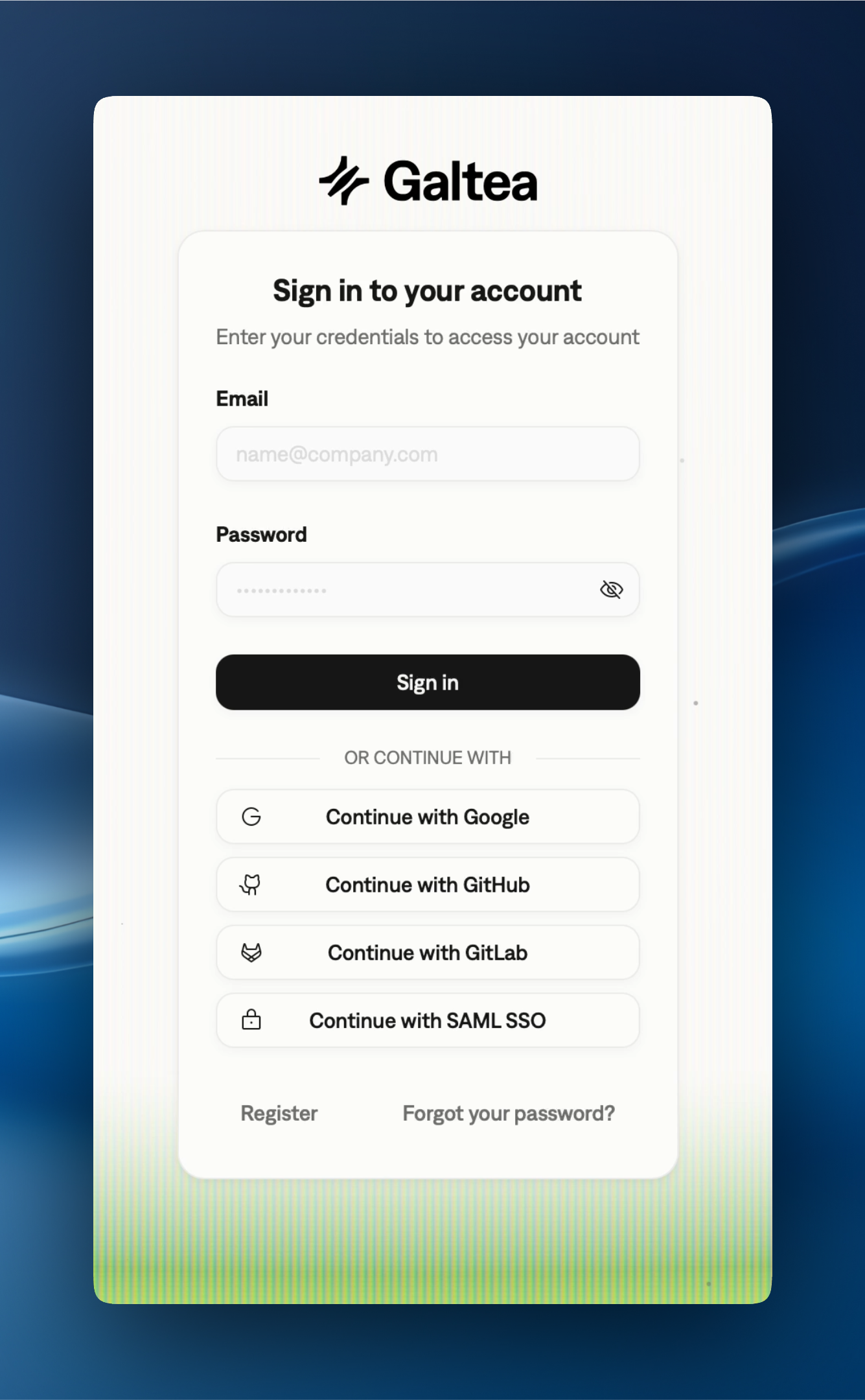
Sign-In Methods

Email & Password

Create an account with your email address and a password.

Google

Sign in with your Google account.

GitHub

Sign in with your GitHub account.

GitLab

Sign in with your GitLab account.

SAML SSO

Sign in through your organization’s identity provider. Contact your admin or support@galtea.ai to set up SAML for your organization.

Two-Factor Authentication

If you enable email two-factor authentication from Settings → Security, every email/password sign-in is followed by a one-time 6-digit code sent to your inbox. Enter the code on the prompt that appears immediately after sign-in to complete the session. SAML SSO and OAuth (Google, GitHub, GitLab) sign-ins are not subject to this prompt — your identity provider is treated as the second factor. API keys are also unaffected: they are pre-issued credentials and continue to work without an additional code.

Next Steps

Once you’re signed in, follow the Quickstart to register your first product and run an evaluation.

Need Help?

If you run into any issues during registration or sign-in, reach out to support@galtea.ai.